
Running macOS and Windows 10 on the Same Computer
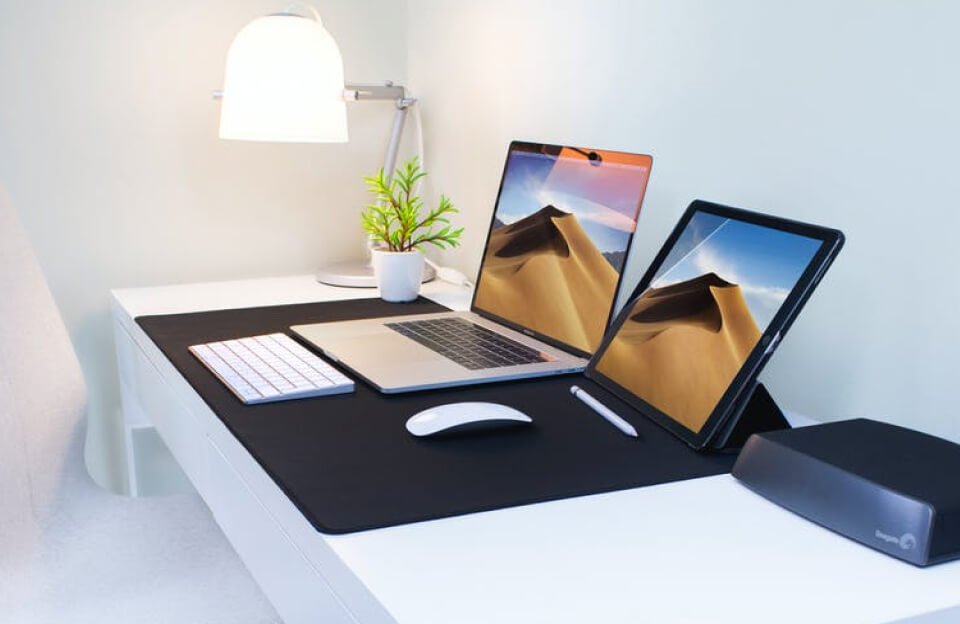
Explore how to install and use both macOS and Windows 10 on a single device—ideal for developers, designers, and power users.
🌍 Introduction: Why Use Two Operating Systems?
In today’s increasingly hybrid tech ecosystem, many professionals find themselves needing the functionality of both macOS and Windows. A video editor might prefer Final Cut Pro on macOS, while also needing Microsoft Access or a specific game on Windows. Similarly, developers often need to test applications across platforms.
Buying two separate computers may not be practical—or affordable. Instead, you can run both operating systems on a single machine, gaining the flexibility to switch between macOS and Windows depending on the task at hand. This approach is especially useful for:
- Designers using macOS tools like Sketch or Xcode
- Developers testing cross-platform apps
- Users needing Microsoft-only applications
- Gamers who prefer Windows titles
- Students and remote workers juggling multiple software ecosystems
The good news? It’s entirely possible through dual-boot setups or virtual machines, even on a single Mac or Windows PC.
⚙️ Dual Boot vs Virtual Machine: What’s the Difference?
| Feature | Dual Boot | Virtual Machine |
|---|---|---|
| Boot Time | Choose OS at startup | Runs inside current OS |
| Performance | High (native) | Lower (depends on hardware) |
| Disk Space | Partition needed | Single file or partition |
| Use Case | Full OS usage, gaming, dev work | Testing, multitasking, light work/ |
🛠️ How to Set It Up
💡 Option 1: Dual Boot with Boot Camp (on Intel Macs)
- Backup your data
- Open Boot Camp Assistant under Applications > Utilities
- Download a Windows 10 ISO from Microsoft’s site
- Choose your partition size and install
- Your Mac will restart and allow OS selection at boot
💡 Option 2: Virtual Machine (Parallels, VMware Fusion, or VirtualBox)
- Download a virtualization tool
- Install Windows using an ISO file
- Allocate system resources like CPU, RAM, and disk space
- Launch Windows in a window inside macOS
💬 “Virtual machines are ideal for testing and light work. Dual boot is best for full performance.” — TechRadar
⚠️ Important Notes & Legal Considerations
- Boot Camp works only on Intel-based Macs (not M1/M2 chips)
- Apple’s EULA doesn’t allow macOS on non-Apple hardware (Hackintosh is risky)
- Make sure your device has at least 128GB free space
- Update drivers to ensure smooth functionality
✅ Why This Setup is Worth It
- Switch between operating systems based on project needs
- Save money by avoiding another device
- Develop and test cross-platform apps on a single machine
- Maximize productivity with access to the best software from both worlds

Leave a Comment